My account
BETA TESTER
Welcome to Is It Worth It?
This is your driver home base — your referral code and QR, your recruits, the full walkthrough, and your daily road report, all in one place. The app every GIG driver wishes they had. Glad you're here.
We're still building
This app and this back office are still being worked on. Things are being added, changed, and updated — expect that regularly through about the first six months after launch, and right now if you're beta testing. Those changes are exactly the things we need your eyes on: when something updates, give it a try, and tell us when it isn't working the way it should. Your eyes are how it gets right.
How your verdict works — please read
When you created your account, this page wasn't part of it yet — so we're asking you now, the same way we ask every new driver.
Why are we telling you this? Because drivers get surprised by it every day. On other apps, the number quietly changes after the trip and nobody explains why — and drivers end up feeling conned by the tool that was supposed to protect them. We'd rather put it in front of you now, before your first verdict.
Here's the deal. Is It Worth It? does its math on the offer exactly as it appears on your screen, at the moment you have to decide. If the numbers on the screen are the numbers, our math will be right — and if it's ever wrong, that's on us. Panic-capture it and send it in, and we'll repair the math for future rides. One thing we can't do is make up the difference on the ride where it happened — that pay comes from the platform, not from us. What we can do is make sure the math is never wrong that way again.
But the trip itself can change after you accept, in ways every driver knows:
- The rider adds a stop, or changes the drop-off after you're already rolling.
- A road is blocked and you have to detour around it — extra miles, extra minutes.
- The pickup pin is in the wrong place and you drive to find them.
- Traffic crawls, or the rider keeps you waiting.
- Uber or Lyft changes the fare after the trip — a rider complains, they review it, sometimes days later.
- On delivery, a customer lowers the tip after you've already dropped off.
When any of that happens, your final pay can come out different from the offer you accepted. That's the trip changing — not our math changing. It's outside our control, and no app can honestly promise what a platform pays after the ride.
Our promise is narrower, and we keep it: the math on what's in front of you, done right, in the seconds you have to decide.
Want to help test Is It Worth It?
We're building this with drivers, not at them. Beta testers run the app on real shifts before launch and tell us where it gets things wrong — that's how it launches right.
The deal: completely free through the beta and from launch until July 11, 2027 — then the $7-a-month early price, locked for life. No card, nothing to cancel. What we ask back: run it on real shifts, and tap the panic button and send a capture whenever it gets a call wrong.
One click, and your tester packet opens right here. Change your mind any time — just email support.
Your beta tester packet
You're in — thank you. Here's the whole deal, plain.
The deal: your beta is completely free — free now, free at launch on January 1, 2027, and free all the way to July 11, 2027. After that you lock the $7-a-month early price for life. No card, nothing to cancel.
What testing involves: run the app on your real shifts. Set your real minimums in 3. Your rules and keep them honest — the app judges every offer against YOUR numbers, so if the numbers are fantasy, the verdicts will be too.
What we need from you: when the app gets a call wrong — calls a bad offer good, a good offer bad, reads the wrong fare, or says nothing while an offer is right there — tap the red ! panic button on the floating bar. One tap saves exactly what the app saw. Send the capture when you can: tap the Diagnostics saved — Tap to share notification, or later open 18. Crash log and tap Share saved captures. A couple of captures a week tells us more than a hundred compliments — and if something annoys you, tell us that too. That's tester gold.
Found something? Send it in the Beta testers — tell us what you find box right below the What's new box — beta reports are read first. Your app download is in Get the IIWI app, lower on this page.
What's new — what changed, and what to look at
Every change lands here with its date, newest first — so you can see the progress being made, and know exactly what to check.
What's new in v4.158 — the 80-second walkthrough
The newest changes on the real app: your Main switches at the top, the new "Show the app flip button" switch, and Watching following your shift. About 80 seconds — worth a watch before your next shift.
Known issues we're working on
If the app does something odd, check here first — if it's on this list, we know about it and we're on it. And you can help: a capture at the right moment is how most of these get caught.
New in v4.138: day-based rule profiles — the 2-minute walkthrough
Two minutes that show the whole feature: the Weekday and Weekend rule sets, moving a day between them, and the one-shift override. Worth a watch before your first shift on v4.138.
Beta testers — tell us what you find
You're one of our test drivers — thank you. When something looks off, or even just odd, send it here. Beta reports jump the line: we read these first.
Rather email? isitworthitsupport@gmail.com — put BETA in the subject and it lands in the same pile. The regular support form lower on this page works too — use whichever is easiest. Screenshots help a lot: on most Android phones, hold Power + Volume Down together.
For you
Watch the walkthrough
New to the app? This video walks you from a fresh install to fully set up — every switch, in order. Watch the whole thing, or tap just the section you need.
Nothing playing yet.
Prefer to keep it in your inbox? That button turns on as soon as the email-size copy of the video is ready.
App screens — compare your phone
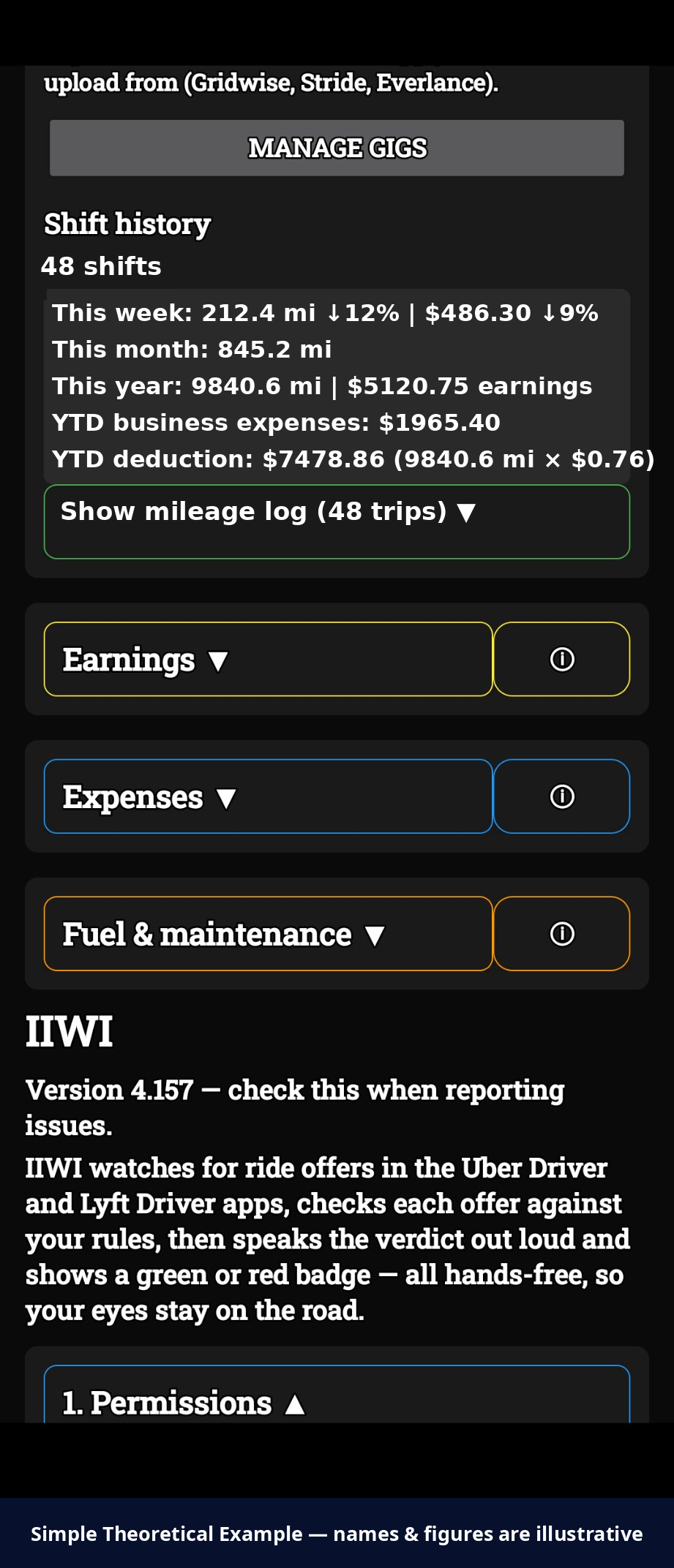
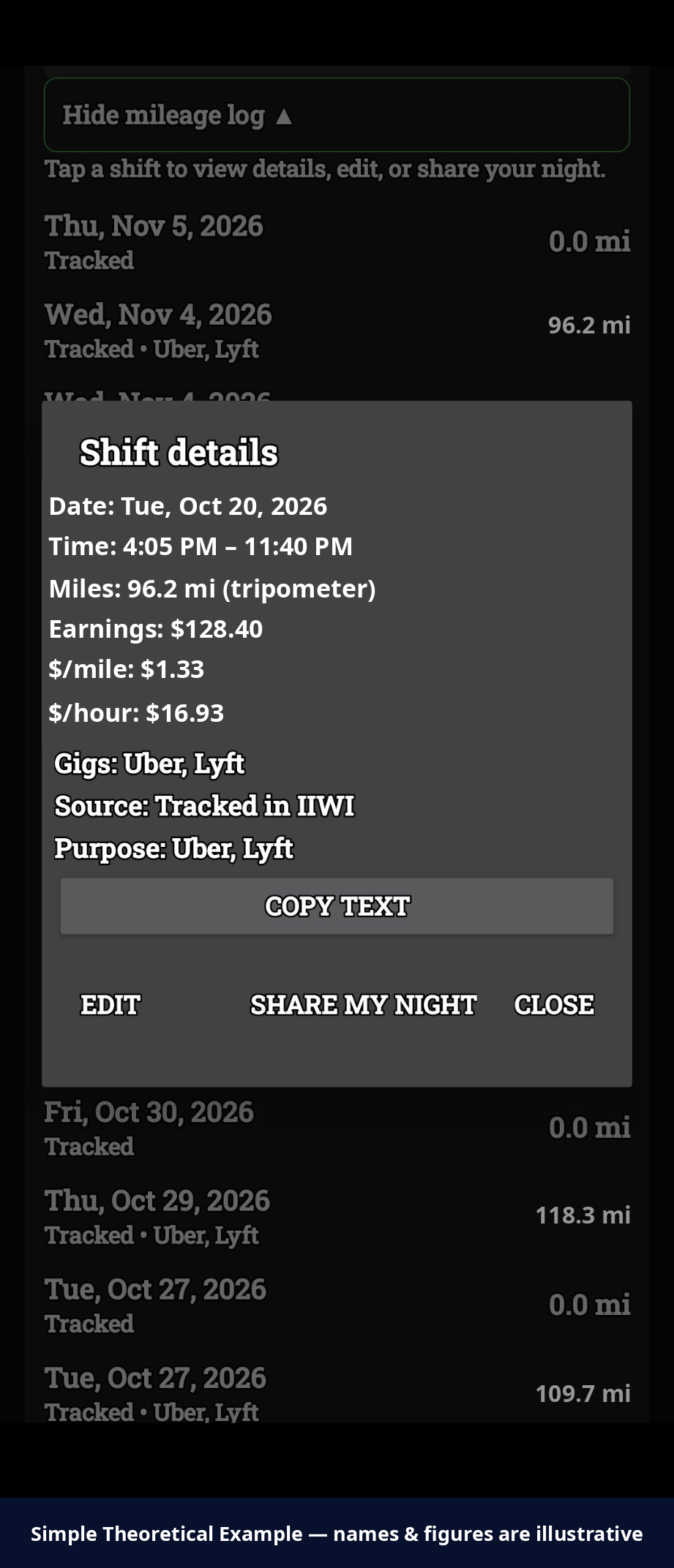
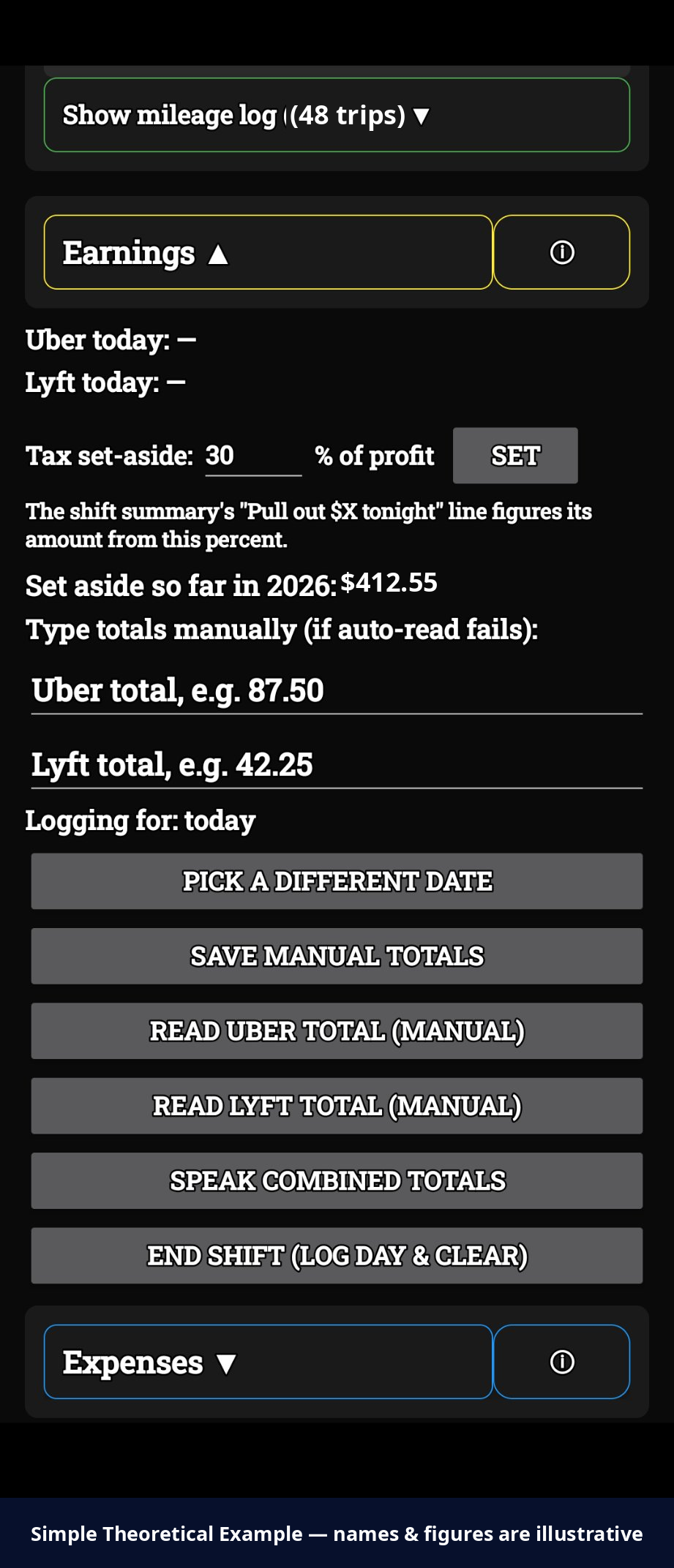
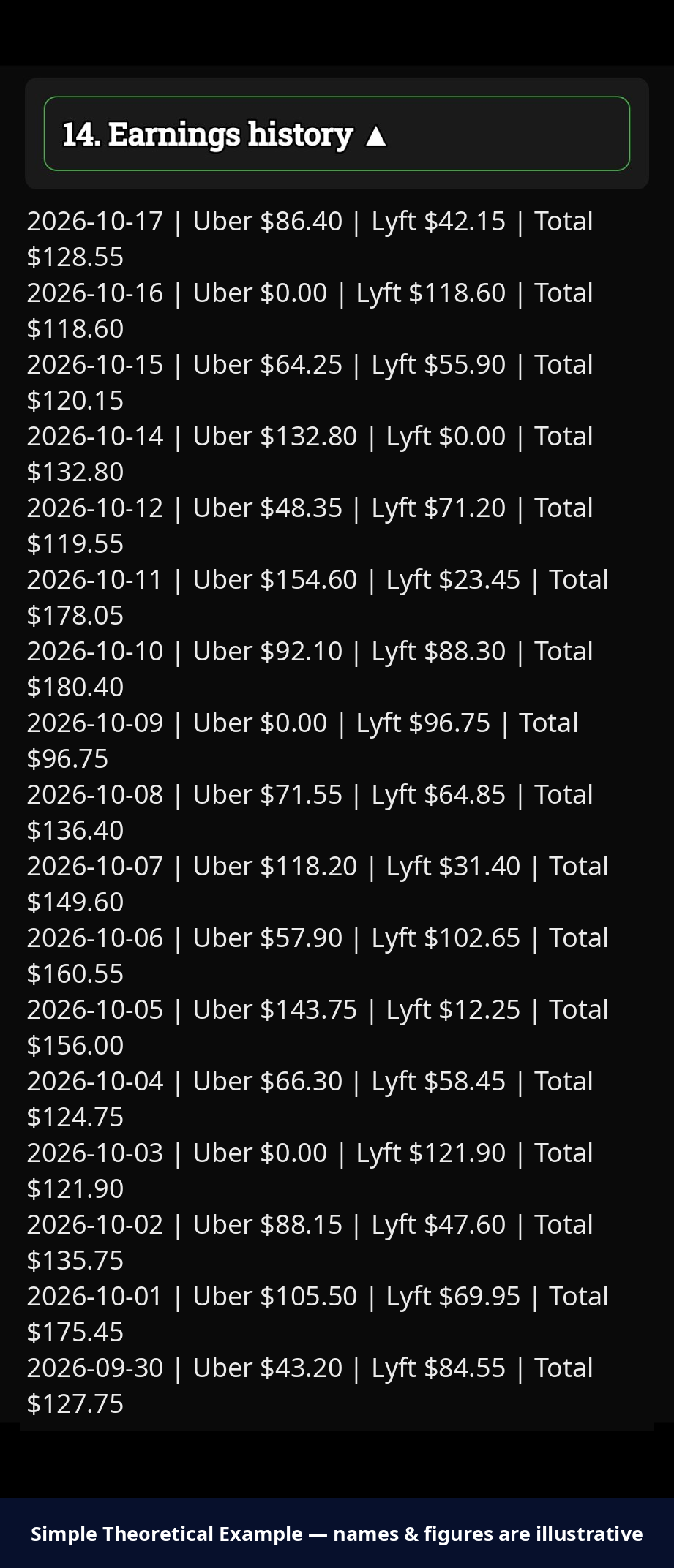
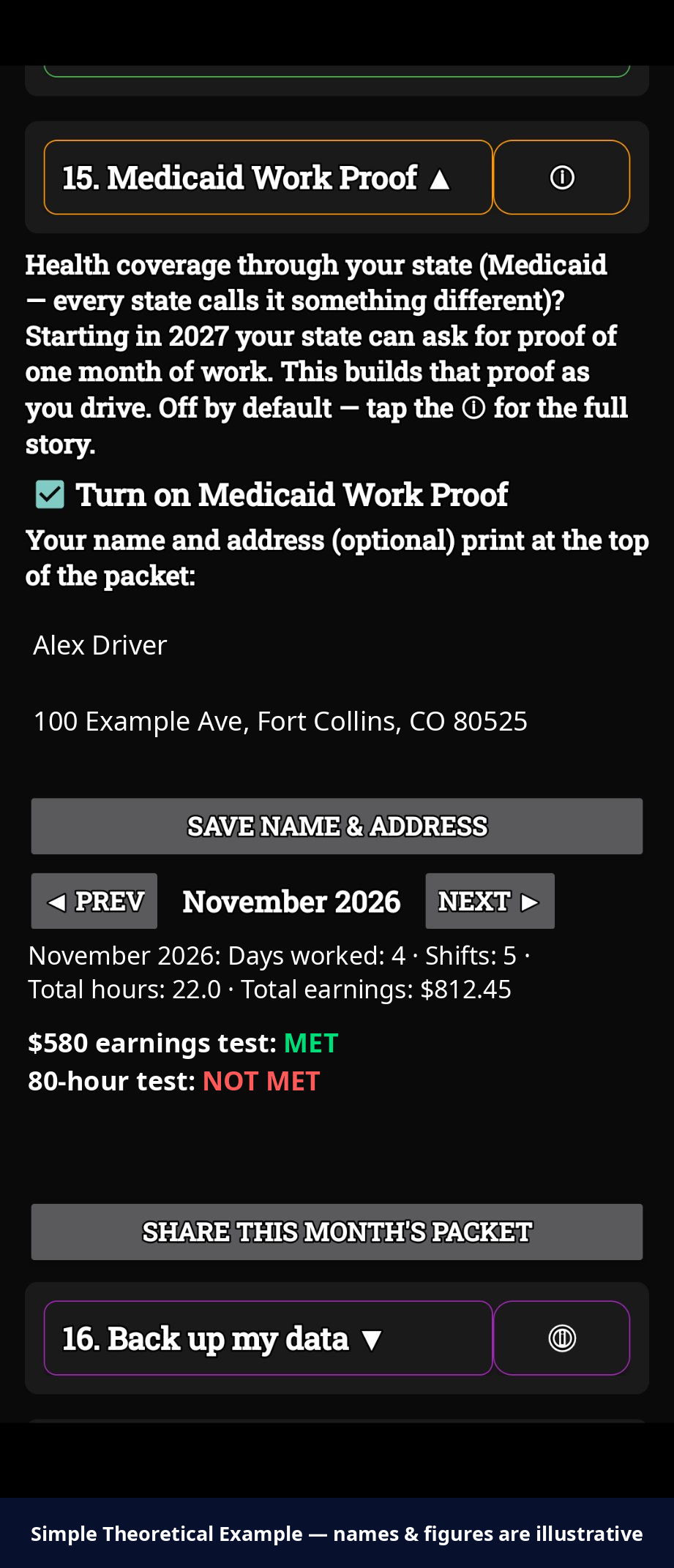
Real screens from the app, in the order they appear, so you can hold your phone up against the picture. Screens that would show a driver's own money or personal details use example figures instead — each of those pictures is labeled "Simple Theoretical Example" at the bottom.
Shift mileage — Shift history
Shift mileage — Shift details
Earnings
Expenses — top and deduction checklist
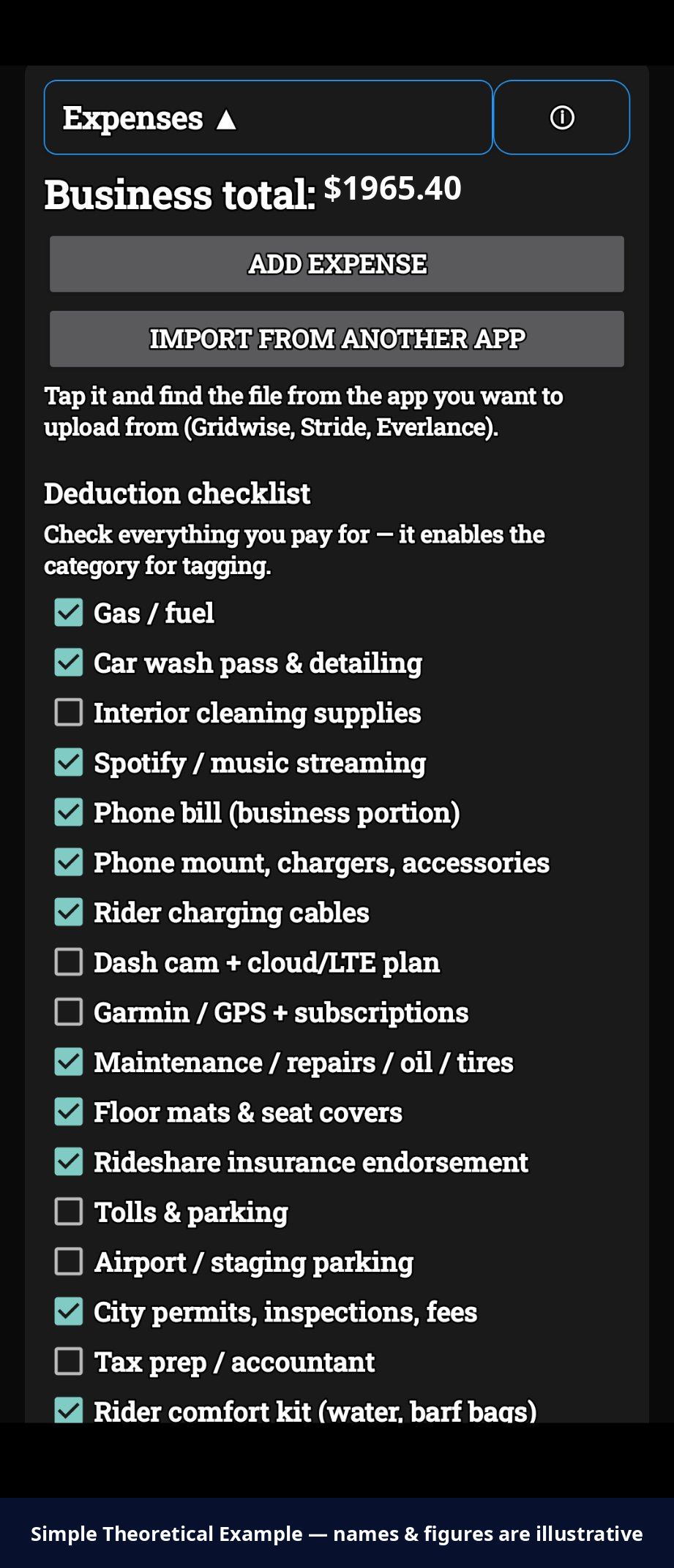
Expenses — Devices you run
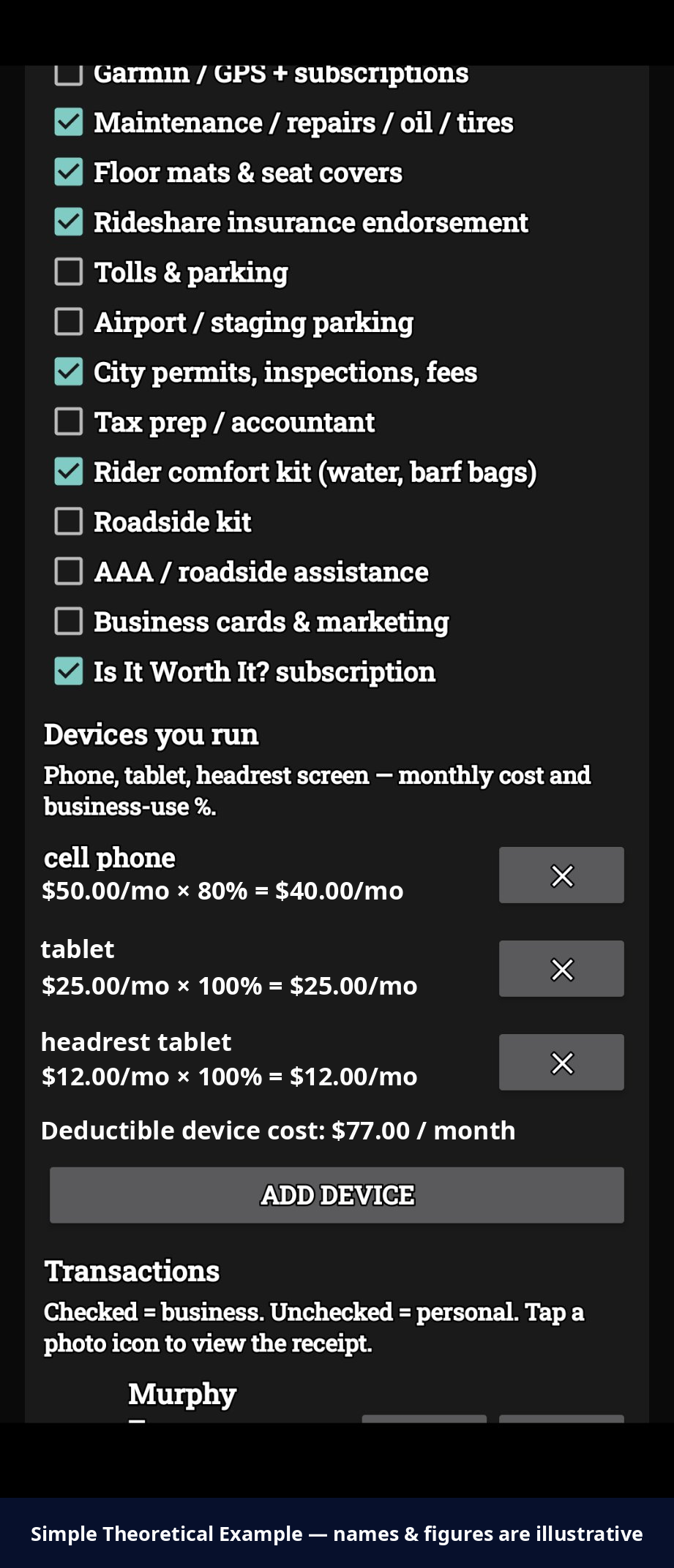
Expenses — Transactions
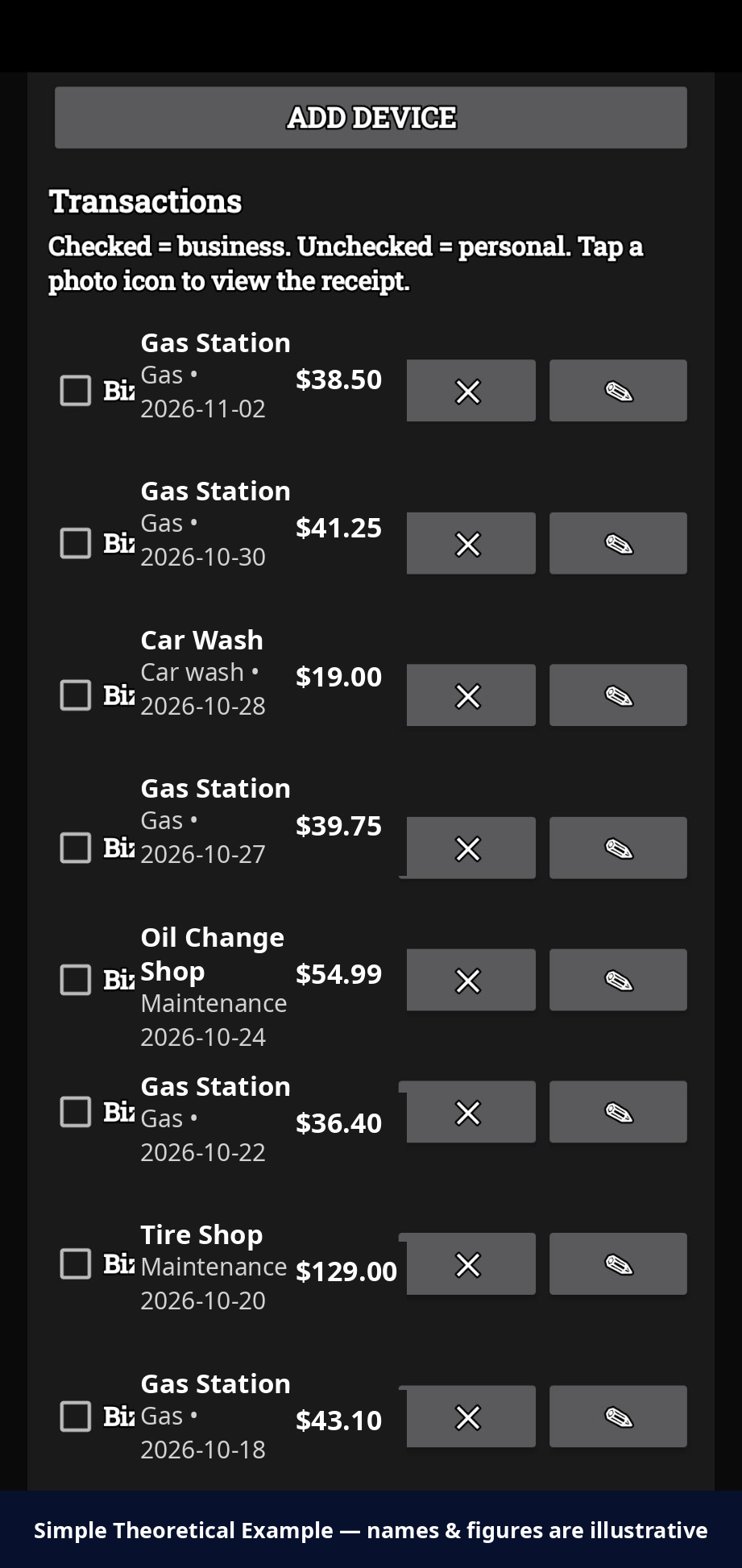
6b. Stay within area
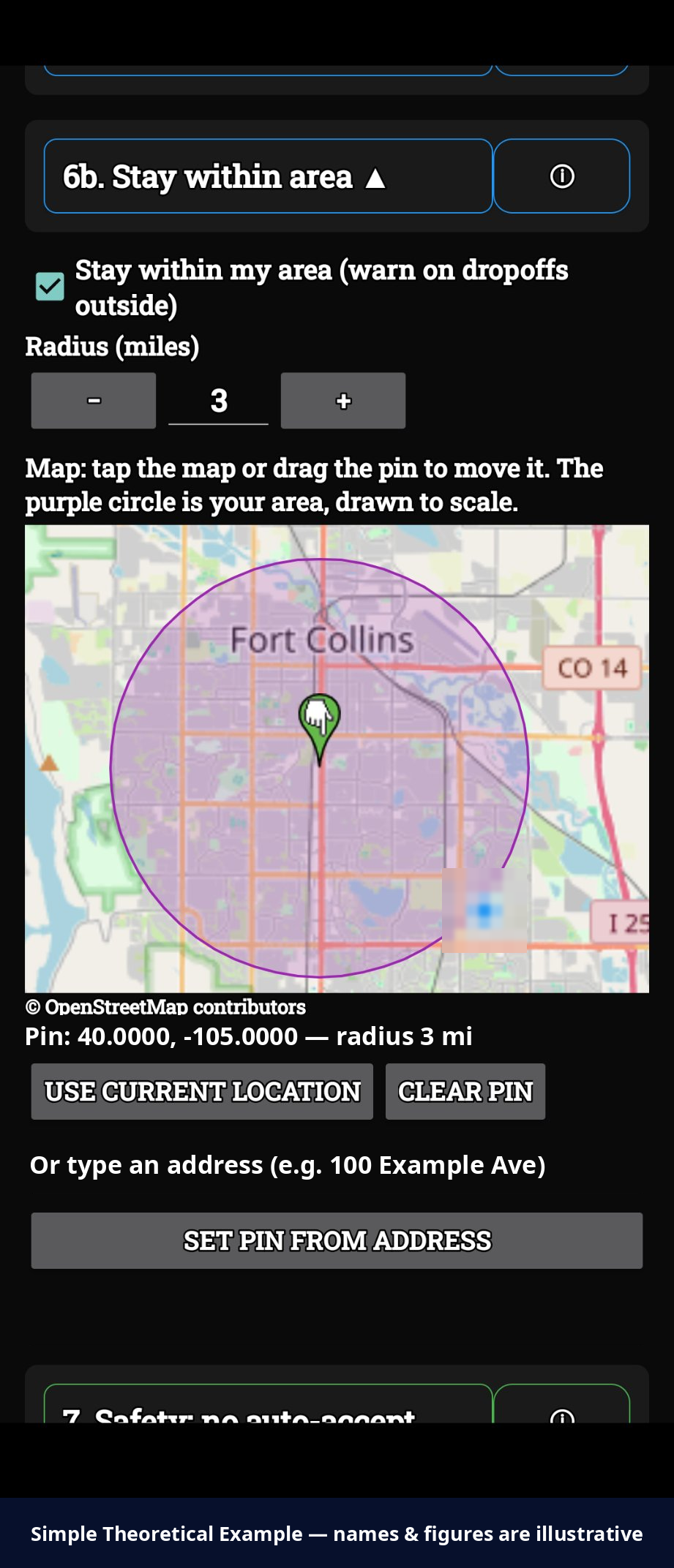
14. Earnings history
15. Medicaid Work Proof
Everything below is packed into sections to keep this page short — tap a section heading to open it, tap again to close it. The section links above jump you straight there and open the section for you.
My QR & referral link
Your referral code:
Anyone who creates an account with your code is credited to you — forever. Codes never change and are never reused, because yours may be printed on cards.
My Recruits
You see a recruit's first name, city, status, and join date. Nothing more — and they see the same about you.
Referral credit
When a driver you referred subscribes, you earn about 1% of their subscription as account credit, applied to your own subscription first.
My Subscription
Get the Is It Worth It? app
App inbox — your code
Company messages — new versions and announcements — can land right inside the app, on the envelope at the top of the screen. It works off your personal inbox code: get it here, type it into the app once, and you're set. Nobody else has your code, and messages meant for you only reach an app holding it.
Recruiting kit
Get the recruiting app
The IIWI Recruit app does this one job — your code, your QR, the send buttons, the pitch video, and this list, all in one place with our seal on your home screen. The download lives right here in your back office — the button appears below once your account is approved for it — and you'll get a note when a new version lands.
Download the recruiting app (APK)
Invite a rider — Is It Worth It? Shotgun
Riders earn from the passenger seat: a rider who creates an account through your seed link gets their own code to promote to drivers, and earns 50¢ for every month a driver they bring in keeps a paid plan. And when a rider you seeded lands their first paying driver, you get a one-time $1 subscription credit (it lands when billing opens at launch).
How to use the recruiting app
The how-to video is being filmed now — it will play right here, in short chapters like the walkthrough, as soon as it's ready.
Copy-and-paste share text
Text it to a driver
Talking to a driver right now? Put their number in and tap the button — your phone's text app opens with the message above already written, from you, with your link. You just hit send. The number stays on your phone; it never goes to us.
Only available on a phone — it opens your own text app.
Or send it from here
Email opens your own mail app with the message written. Facebook and X open their share boxes with your text and link in them. TikTok opens your phone's share menu — pick TikTok there (on a computer, it copies the text so you can paste it in).
Email opens your own mail app with the message written. Facebook opens the share box with your link in it. (Texting is phones-only, above.)
Your printable card
Your QR and code, ready to show or print. A printable card/flyer PDF with your QR on it is part of this kit — for now, use Download my QR above plus the share text.
Order your cards
Company-approved cards only.
The cards you can order here are the only Is It Worth It? cards approved for use. Any other card — a different design, different wording, or cards printed anywhere else — has to be approved by the company in writing before you order it or hand it out.
Why: every claim on the approved cards is a claim we stand behind. If it's not on an approved card, don't say it on one.
Who I've sent it to
Your own list — nobody else sees it. Log who you sent the info to, and tick "Signed up" when they join. Follow-ups run on a schedule with room built in: the first unlocks 3 days after you send, the second 5 days after that — and then that's the cutoff. People who signed up drop off your follow-up list for good. When you use the Text button above with a number in the box, the send is logged here for you automatically.
Log a send
Founder area
Send the company something (founder intake)
This is a reporting line, not a chat. Submissions are flagged FOUNDER and tagged with your territory. You can see the status of everything you sent.
Tax Documents
This is where forms land when the company pays you money — a Simple Theoretical Example: a founder's 1099-NEC for their territory share (sent when it crosses the IRS reporting threshold, deadline January 31). Your driving-income 1099s come from Uber and Lyft, not from us.
No tax documents yet. When one is ready, it will appear here as a downloadable PDF and you will get an email saying it is ready — the email itself carries no tax data.
Founder W-9
Founders: the company collects a W-9 during founder onboarding, before a first payout. No W-9, no payout. (The company collects it directly during onboarding — no tax information is collected on this page.)
Account settings
Change password
Account recovery: use Forgot password on the sign-in page.
Daily road report
One plain email on mornings your area has road closures or road work — what's closed, what's being worked on, straight from your city and state sources. We only send it on days there's something to report. It goes to your account email.
Your area means your zip's city closures plus your state highway feed — a zip can cross city lines, so both ride along. Phase 1 covers Colorado.
Support
Still stuck after the FAQ below? Email isitworthitsupport@gmail.com. In one email, include: which driver app (Uber or Lyft), your phone or tablet model, the app version (top of the app's main screen), one line on what happened, and a panic capture if it just happened.
Or message us right from here:
FAQ / self-help
Quick fixes you can do yourself in under a minute. These answers match the app's Help & Support and the support knowledge base — one source of truth.